PostgreSQL database for Market data
PostgreSQL installation
PostgreSQL must be connected to enable the Market module. For correct operation, PostgreSQL version 16.1 or higher is required.
You can find PostgreSQL installation instruction for Ubuntu here.
User and database configuration
A standard variant with local database installation is described. In this example we use altcraft as the username, but you can specify any arbitrary name.
After you have PostgreSQL installed, make the following preparations:
- Re-login as the newly created user postgres:
su - postgres
- Run the PostgreSQL command shell:
psql
- Create a user through which we will connect to PostgreSQL:
CREATE USER altcraft WITH PASSWORD 'myPassword';
- Check if the user has been created:
\du
- Create empty databases:
CREATE DATABASE ak_init_db OWNER altcraft;
CREATE DATABASE ak_account_1 OWNER altcraft;
- Add the following lines to the end of the
/etc/postgresql/<version_postgresql>/main/pg_hba.conffile:
# TYPE  DATABASE        USER            ADDRESS                 METHOD
host      all         altcraft       localhost              password
Then go to the administrative panel for further customization.
Platform settings
In the Admin panel, go to the Settings — Databases section. It is necessary to create a new configuration for connecting to the database; to do this, click the Create button.
Select the connection type Account DB Postgres. Specify the host, port and credentials of the user created in PostgreSQL. To test the connection, click Test connection:
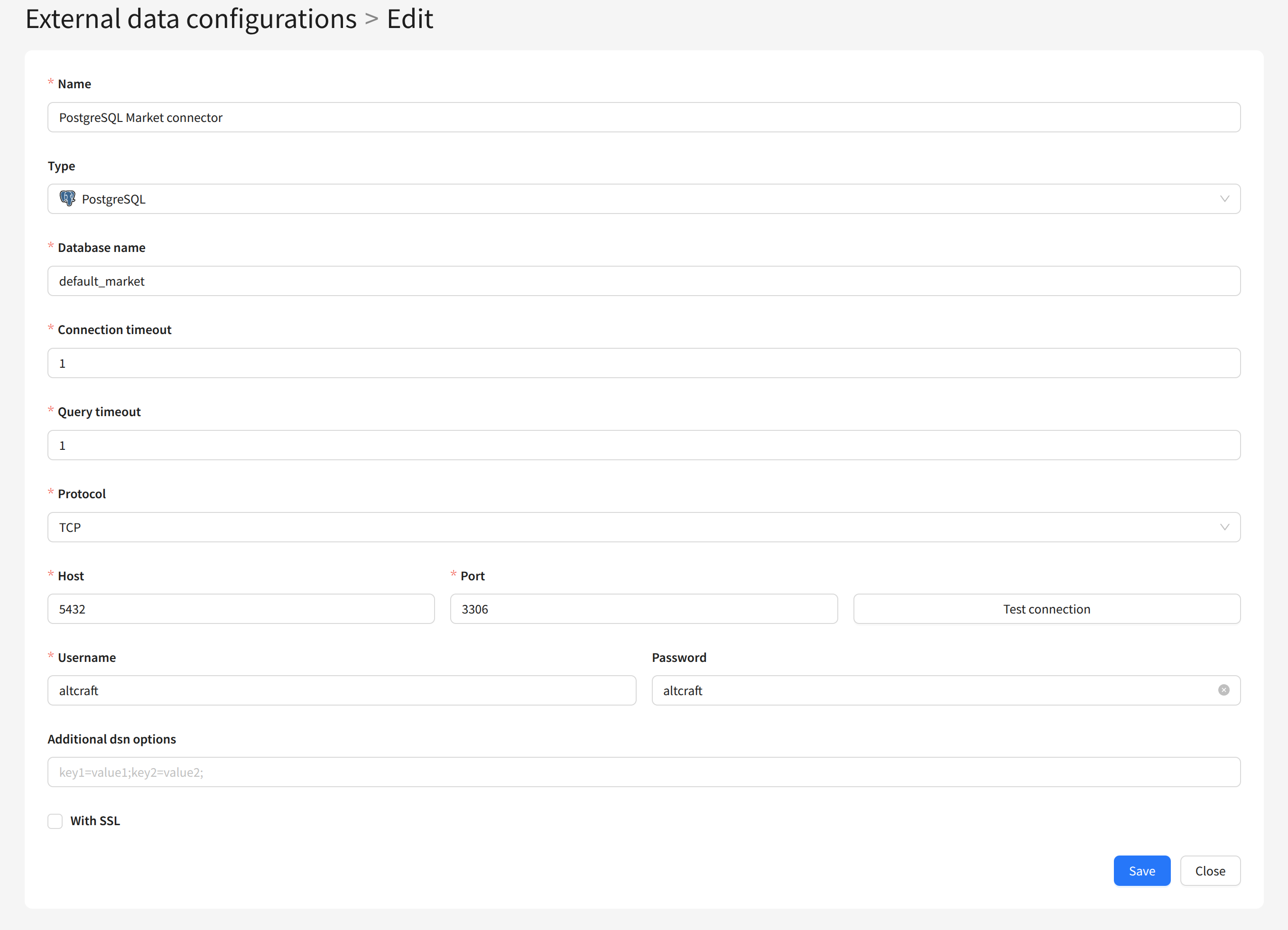
Add the created configuration to your account. To do this, edit your account and select the configuration in the Account databases item:

You can learn more about setting up connectors to databases here.