Integration with the MAX messenger
Integration with MAX enables using the messenger as a communication channel. Two types of integration are available:
- MAX Bot — Messages via a bot.
- MAX Group — Messages to chats (groups).
Take into account the internal rules of the MAX messenger.
Set up the connection in advance. The instruction is here.
Step 1. Opening the integration
Go to Integrations. Select the type — MAX: | 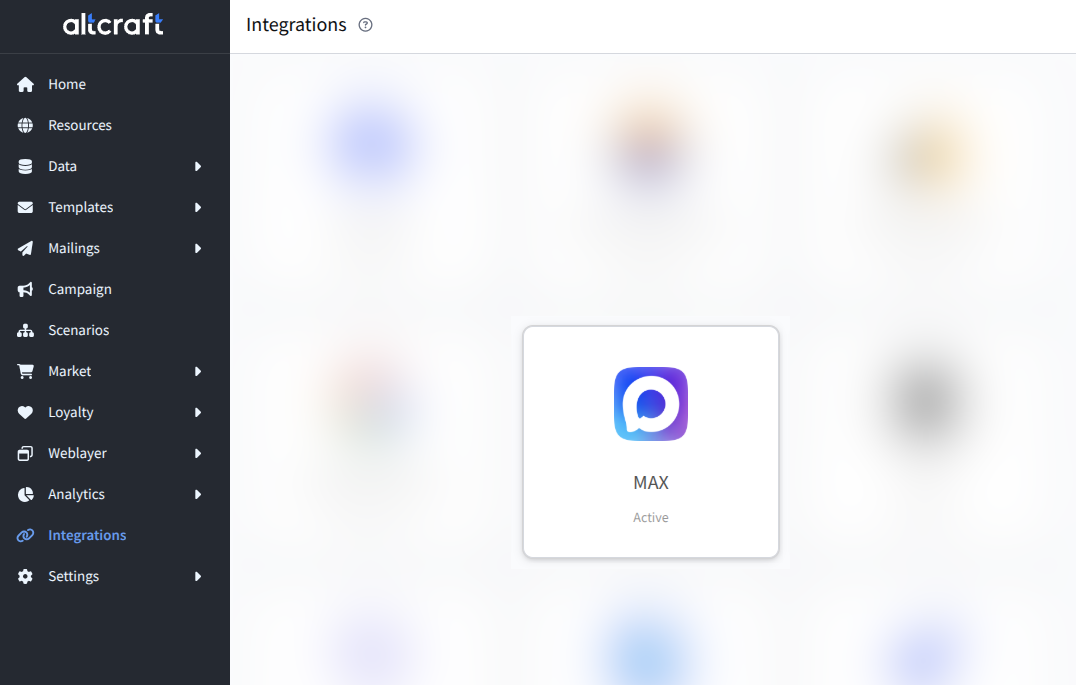 |
MAX Bot integration
Step 2. Adding a connection
Open the MAX Bot tab. Click Add connection. Select a connection from the list or create a new one: | 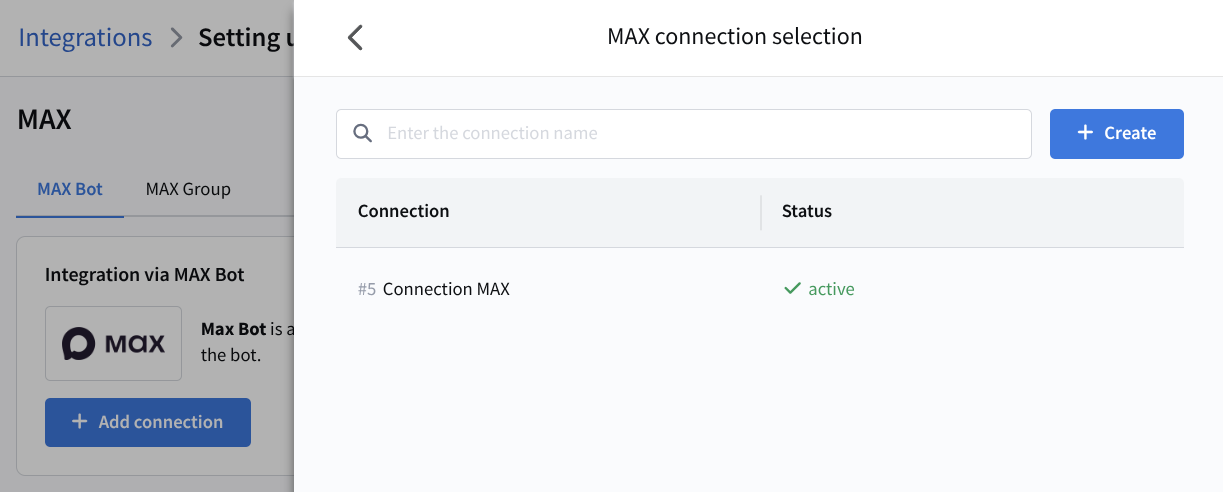 |
Step 3. Activation and saving
Enable the activation toggle. Click Save: | 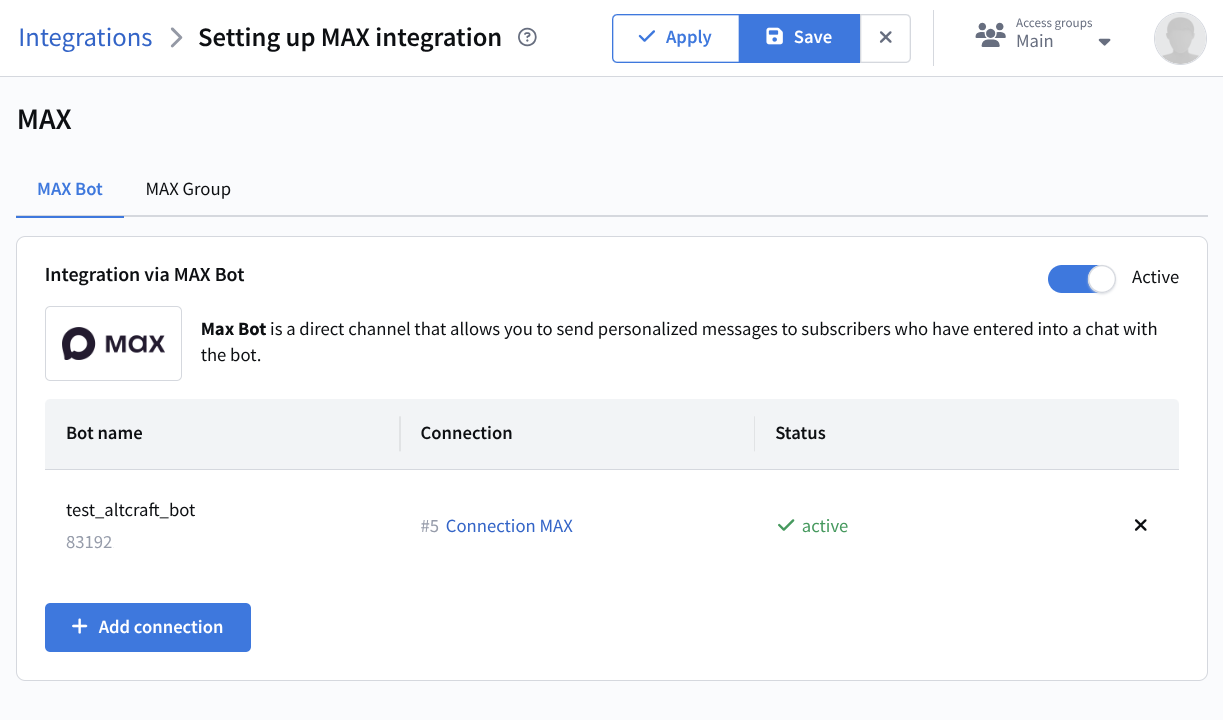 |
The integration is ready. The next step is configuring the resource.
MAX Group integration
Step 2. Adding a connection
Open the MAX Group tab. Click Add connection. Select a connection from the list or create a new one: | 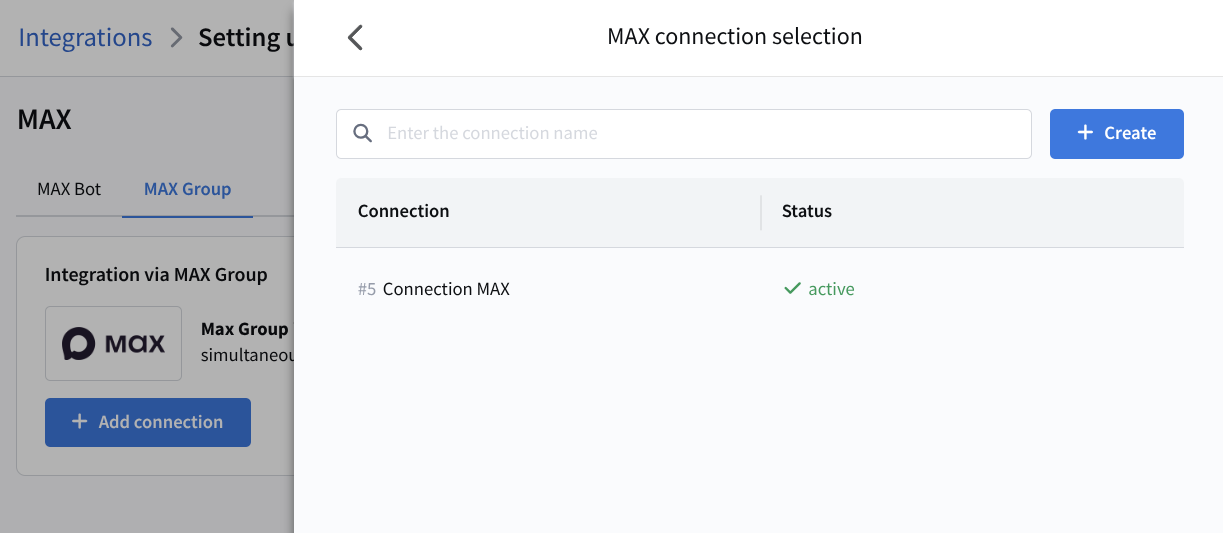 |
Step 3. Entering the chat_id
Enter the chat_id — the identifier of the chat where messages will be sent via the MAX bot: | 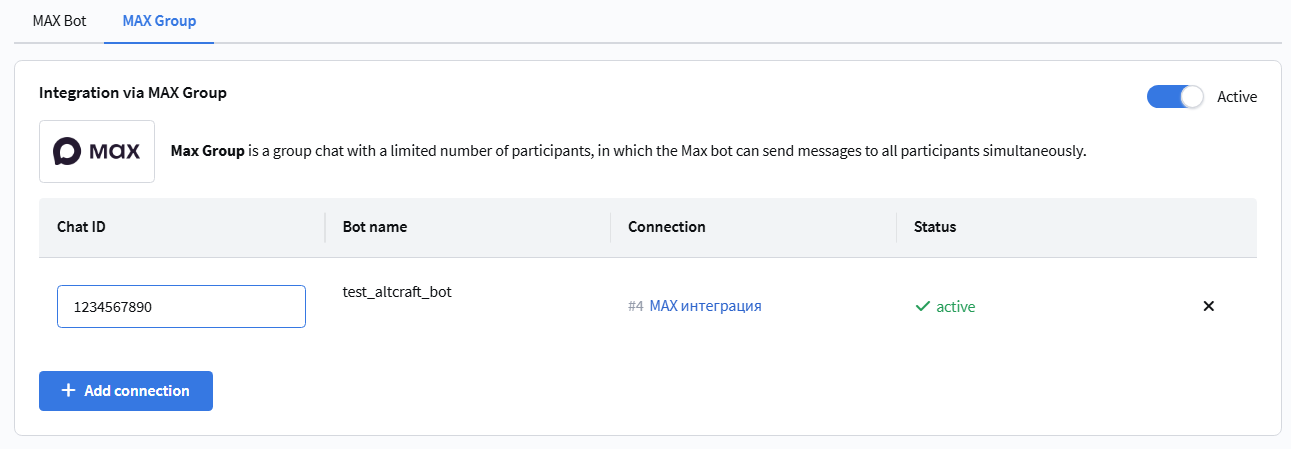 |
Open web.max.ru, go to the desired chat, and look at the URL in the address bar. The number after the slash is the chat_id.
Step 4. Activation and saving
Enable the activation toggle. Click Save: | 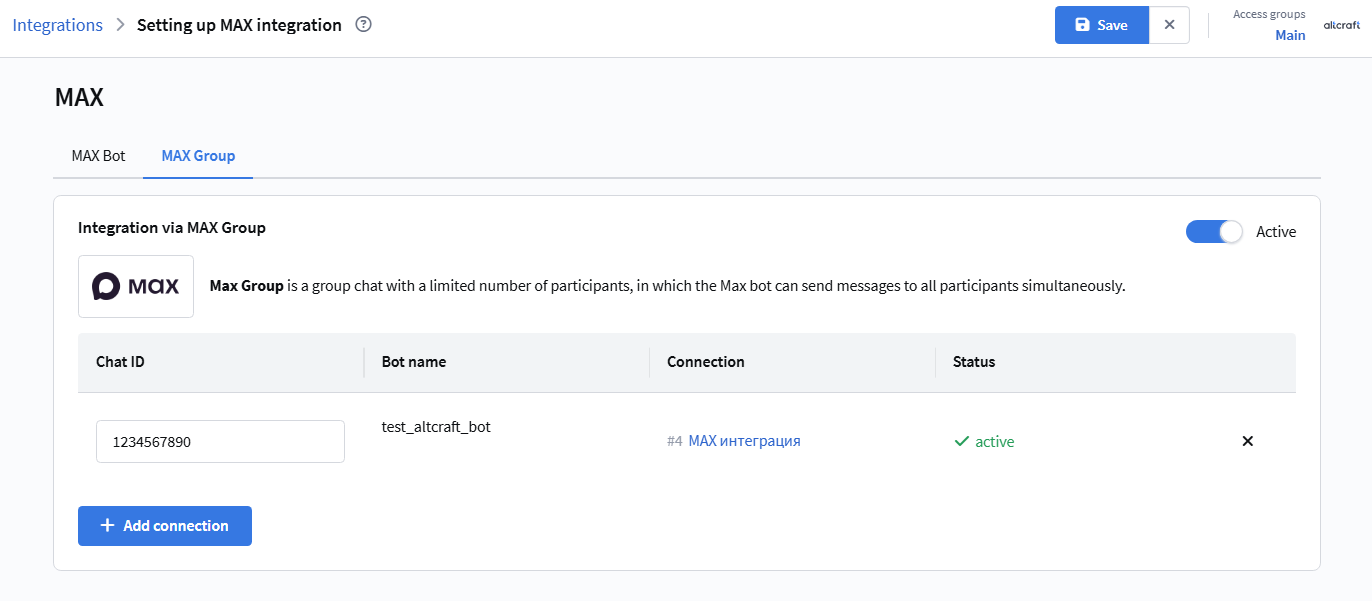 |
The integration is ready. The next step is configuring the resource.