Token Authentication connection
Token Authentication is an authentication protocol that uses a Bearer token. This method is more secure than authorization using a login and password.
Where it is used:
- Scenario node "API call" — transfer data to the connected service or request API content.
- Action Hooks — transfer events and profile data to an external service.
- Scheduled data import in the Market — access to a protected product feed.
Step 1. Creating a connection
Open Settings —> Connections. Select the connection type Token Authentication: | 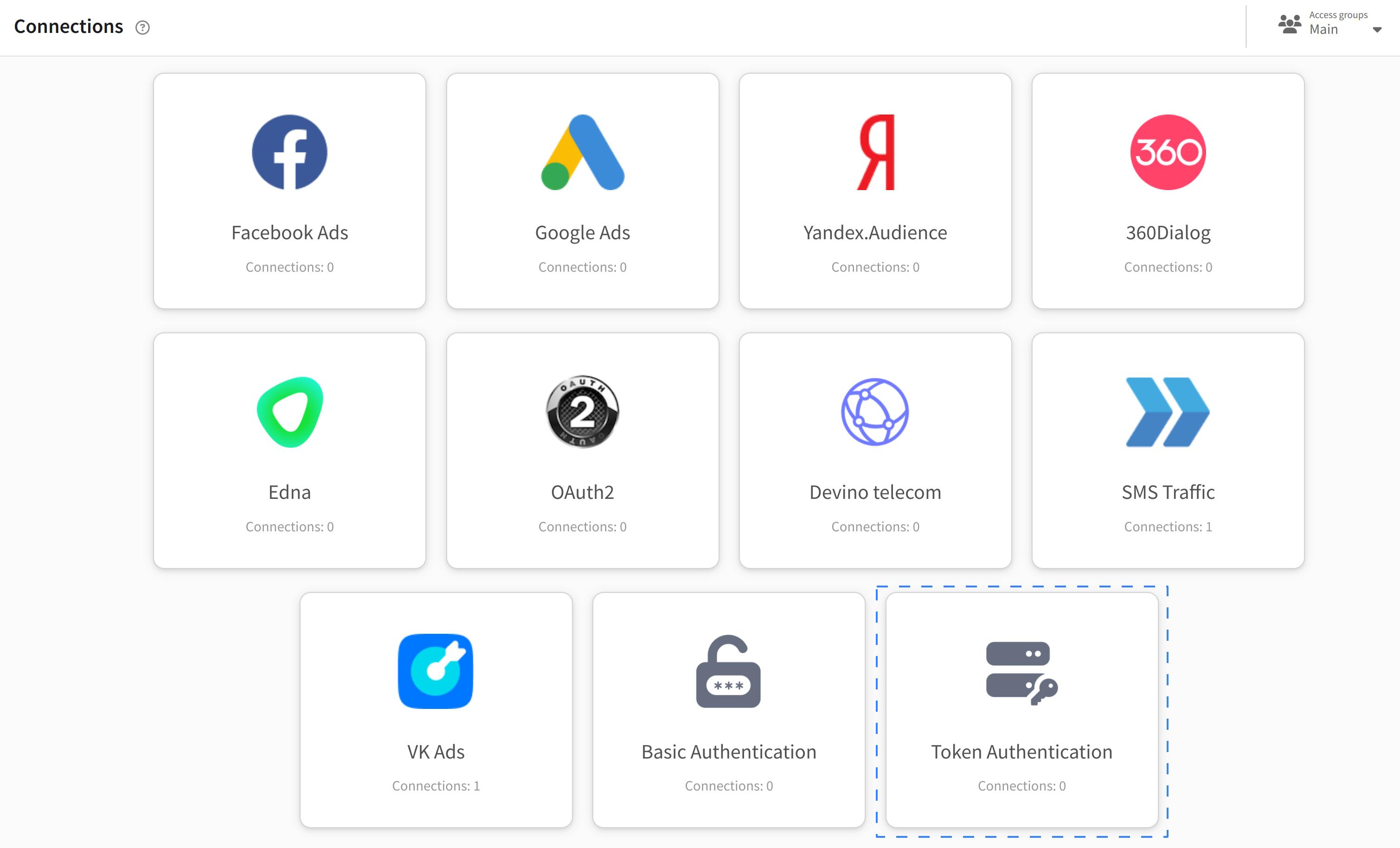 |
Step 2. Entering data
Click + Create. Enter a name and, if necessary, a description. Specify the Bearer token — it is usually indicated in the personal account of the connected service. To restrict access, specify the URL in the Allowed URL field: | 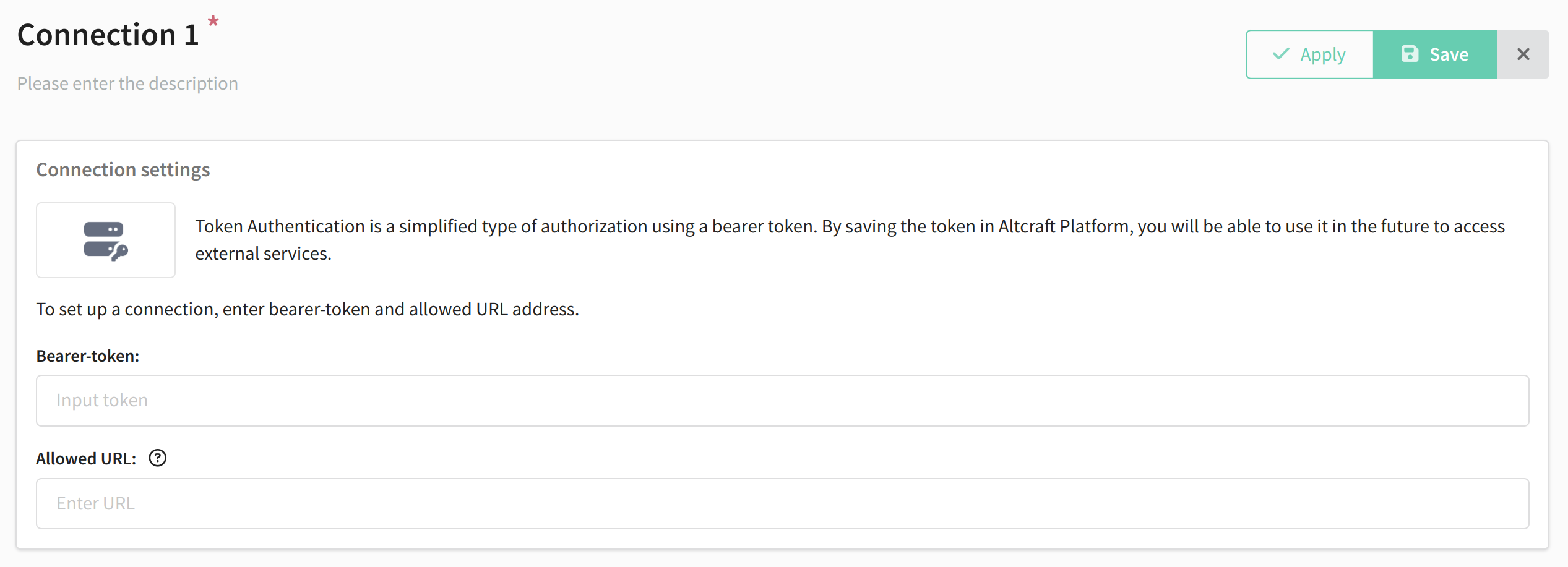 |
Step 3. Saving the connection
Click Save. The settings can be changed at any time by clicking Edit.