Notify
The Notify integration allows using the service as a communication channel for sending transactional and service notifications.
New access to Notify is not provided. Support of current users is provided through MAX Business tech support.
Pre-configure the connection. Instructions — here.
Step 1. Creating the integration
Navigate to Integrations. Click + Create on the Notify card: | 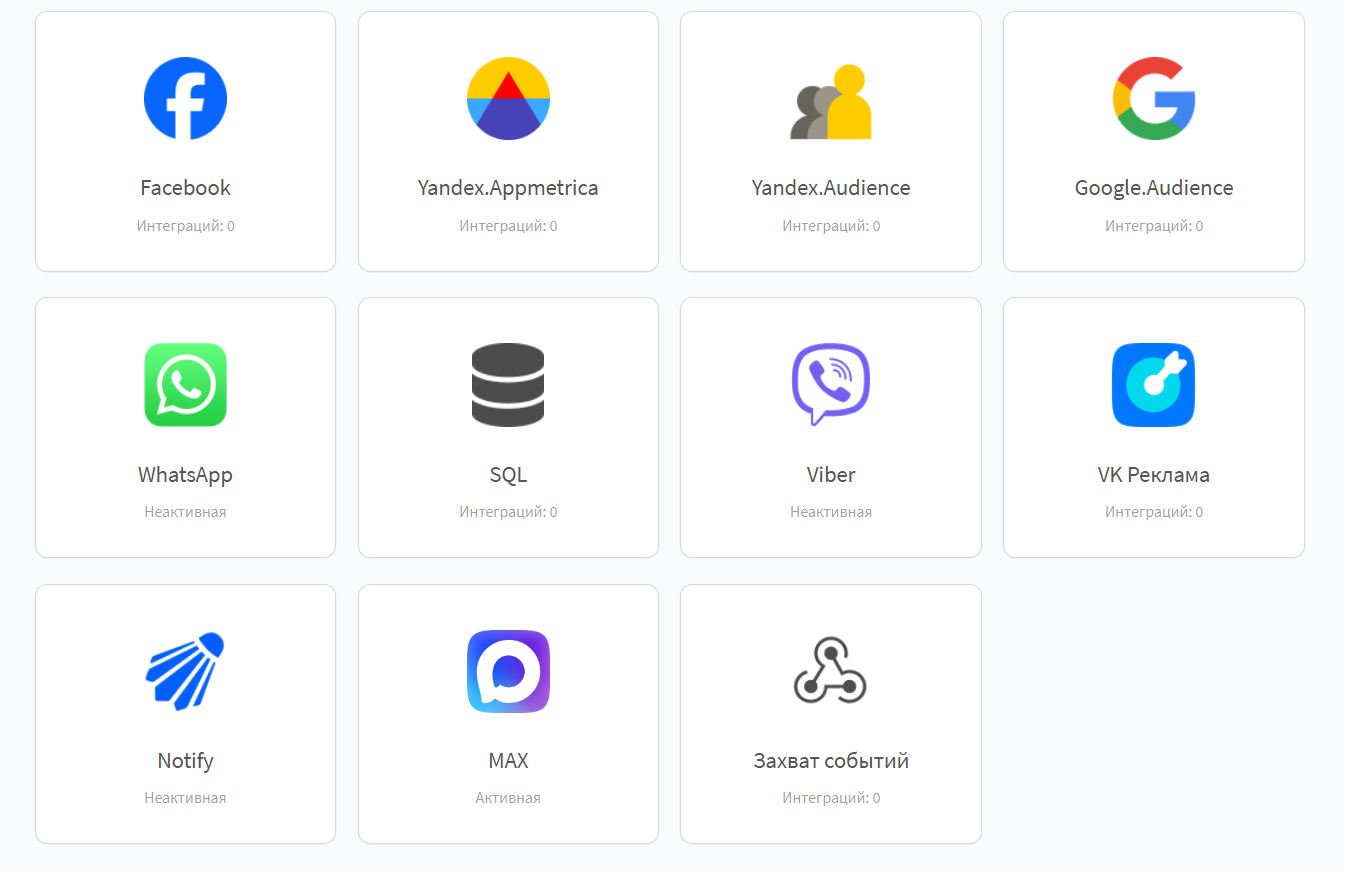 |
Step 2. Adding the connection
Click Add connection. Select an available connection to Notify: | 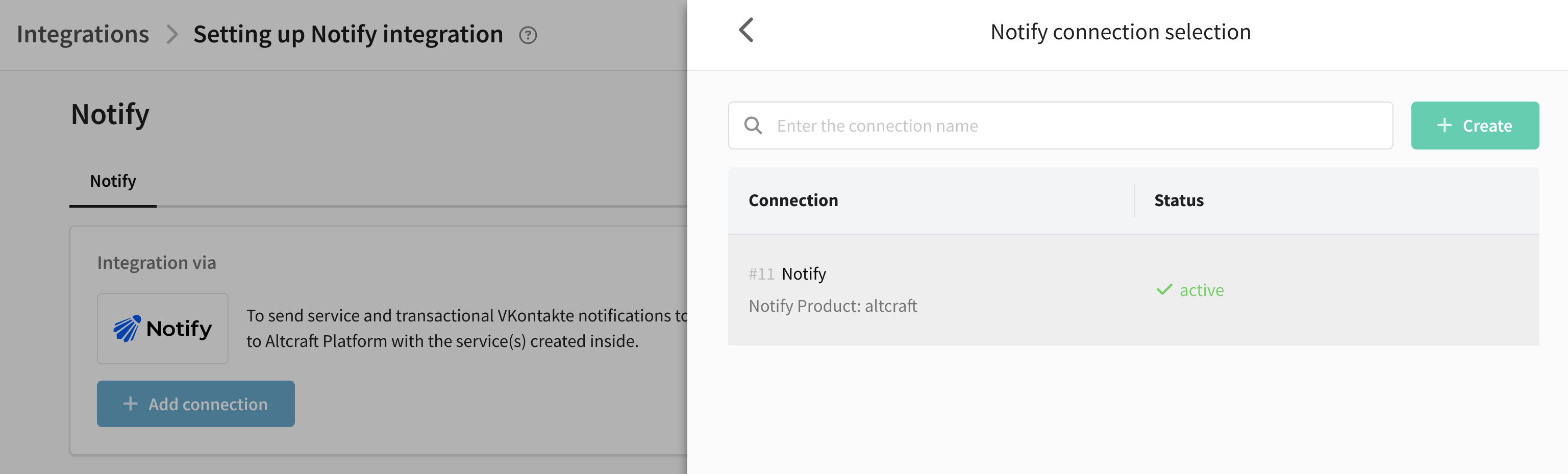 |
No available connections
Click Create. Enter the name, description, and Application and Signature key parameters. Click Check. If the data is valid, click Create:

More details — Notify connection.
Step 3. Integration parameters
Specify the integration parameters — they must exactly match the parameters from the Notify personal account:
| 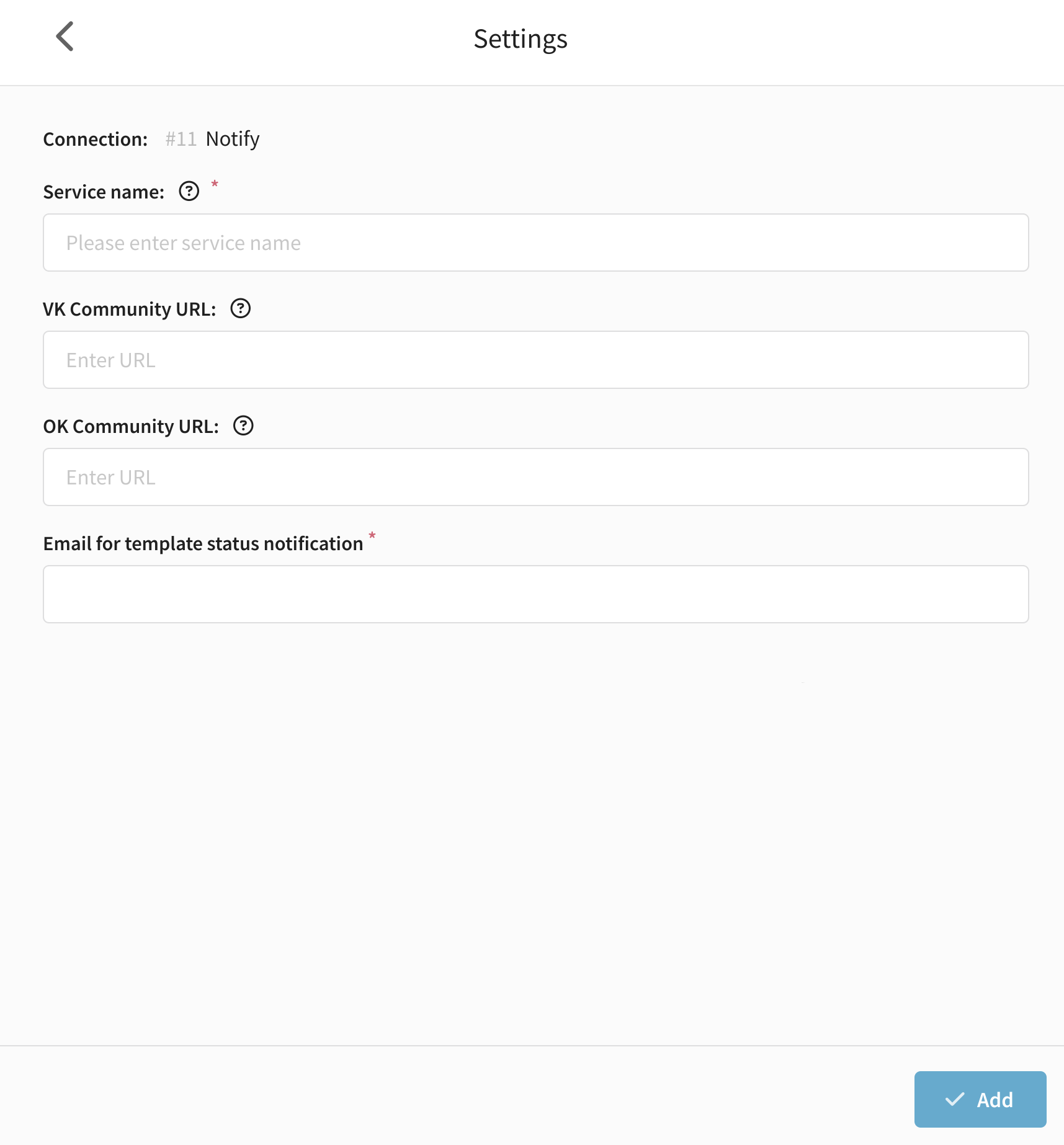 |
Click Add. If the data is incorrect, the platform will ask to verify it.
Step 4. Activating and saving
Enable the activation toggle. Click Save: | 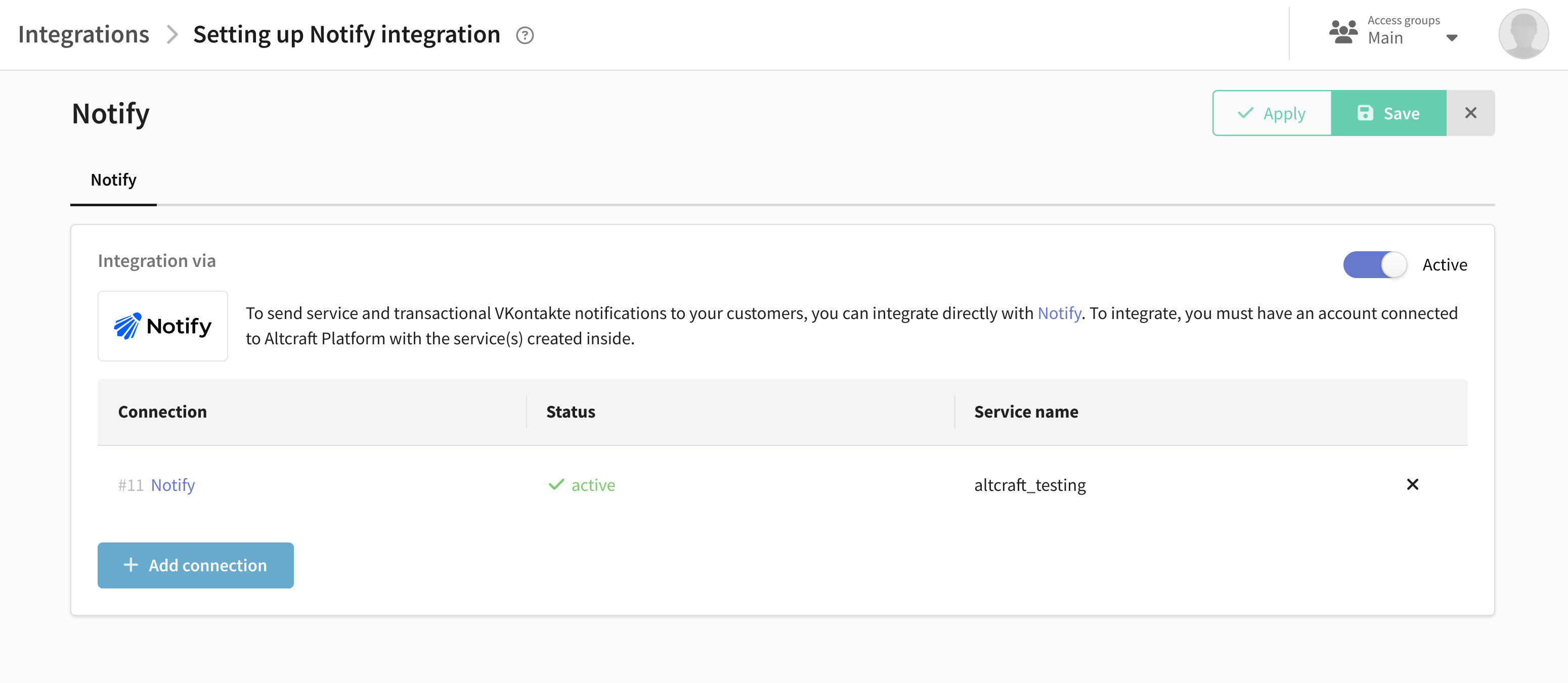 |
After configuration, add the Notify channel to the resource.